Reporting Operations
BI adoption and reporting operations
Keep BI reports useful with clear owners, evidence of decision use, timely reviews and controlled retirement.
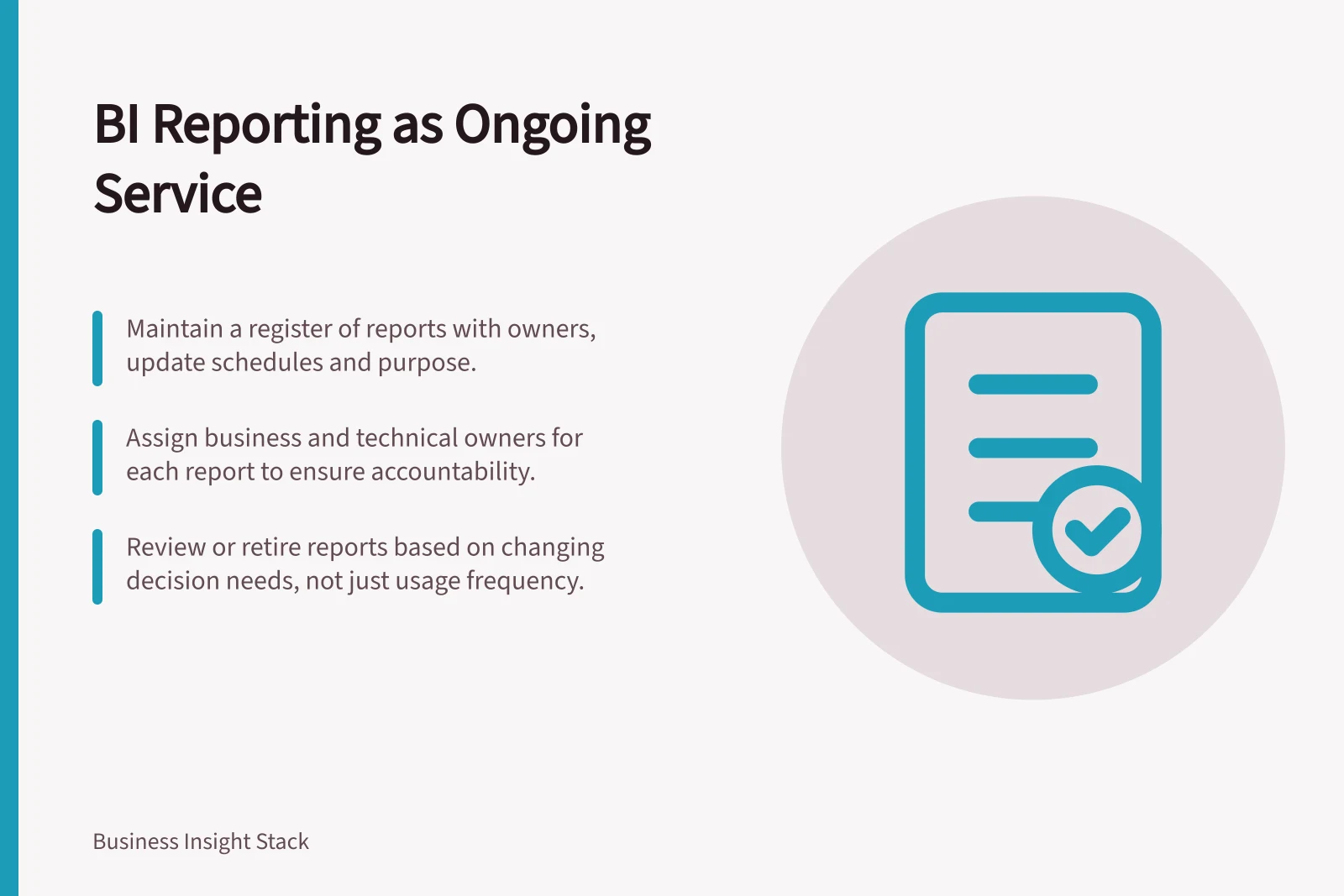
Run business intelligence (BI) reporting as an ongoing service. Maintain a register of maintained reports, name their owners, test whether they support intended decisions, and review or retire them when purpose changes. More views alone do not show that decisions improved.
Keep a register of maintained reports
For each recurring report, record the business question, intended decision, audience, business owner, technical contact, update schedule and latest complete reporting period. Add its source dataset, major dependencies, support route and next review trigger. Distinguish an exploratory view from a report accepted for recurring use.
Keep the register short enough to maintain. A rarely opened report may still support an annual decision; a frequently opened one may still be misunderstood. Record expected use so either pattern can be investigated in context.
| Operating question | Evidence to seek | Possible response |
|---|---|---|
| Does the report reach its readers? | Access information, usage signals and feedback | Address access, findability or support. |
| Does it enter a decision? | A decision record or a specific account from its owner | Refine the report if it does not answer the intended question. |
| Is it dependable? | Data cutoff, reported issues and checks relevant to the figure | Hold or qualify an affected result while it is investigated. |
| Is it still needed? | Current purpose, expected cadence and dependencies | Keep, revise or assess it for retirement. |
Treat this as a review guide, not a score. Usage tools differ in what they cover.
Power BI has an older usage metrics report and a newer one in preview; the preview reports for shared workspaces replace the older reports. Check which report and delivery routes the organisation uses before interpreting an apparent lack of activity.
Power BI Usage Metrics Overview (Australia)
- Older Usage Metrics Report
- Available in Power BI Service
- Newer Modern Usage Metrics (Preview)
- Replaces older reports for shared workspaces
- Recommended for Australian Teams
- Use modern metrics for accurate insights into report access and usage patterns
Assign responsibility at the report level
The business owner confirms the question, audience and acceptable use of a result. A technical contact maintains delivery and investigates failures. A shared metric or dataset may have another owner. Record how they contact one another when a measure changes or a result is disputed.
For a consequential recurring report, agree who can approve a changed definition, a qualified result and retirement. In a small organisation, one person may hold several roles, but each decision still needs a named contact and a backup route. Revisit the assignment when decision responsibility moves.
Match content management to the work
A BI portfolio can combine business-led self-service, managed self-service and enterprise approaches. In business-led self-service, creators and subject matter experts in a business unit manage content. In managed self-service, a central team manages data while business users take responsibility for reports and dashboards.
In an enterprise approach, a central team—such as IT, enterprise BI or a Centre of Excellence—manages content. An organisation need not use only one approach: the balance can differ between solutions and teams, and a team can both consume enterprise content and create its own self-service content.
When considering the balance across the portfolio, relevant factors include solution requirements, user skills, commitment to training and skills growth, required flexibility, complexity, priorities, leadership commitment and data culture.
BI Content Management Approaches by Organisational Need
- Business-Led Self-ServiceBest for teams with strong subject matter expertise; minimal central oversight. Suitable for small to medium Australian businesses where domain knowledge is localised.
- Managed Self-ServiceBalances central data governance with business ownership of reports. Ideal when data quality and consistency are critical across departments.
- Enterprise ApproachCentralised control via IT, BI Centre of Excellence or similar. Required for large organisations with compliance needs (e.g., ATO reporting, superannuation data handling).
Look for use in decisions
Choose a report used in a known meeting or workflow. Ask its decision owner what question it should answer. At the next relevant review, record which reporting period and figure were considered, what was decided, and what information was missing. A decision to keep monitoring can be meaningful when it is deliberate and documented.
Usage data helps identify questions for follow-up. It cannot establish that a report caused a good outcome. Compare observed use with the report's expected cadence, taking account of the routes its usage tool covers, then ask readers what helped or blocked them.
Pros and Cons of Relying Solely on Usage Data for BI Adoption
- ProsIdentifies underused reports; highlights potential access or findability issues; helps prioritise support efforts.
- ConsCannot prove causal impact on decisions; high usage does not guarantee understanding; low usage may reflect poor design, not lack of value.
Treat adoption as an ongoing outcome
Adoption is not simply whether people open BI reports. It is whether they use the right data and tools effectively, in the right way and at the right time, to realise value from data. At portfolio level, use that definition to prioritise support, training and content improvement, and to review whether content helps people work towards key results.
Plan sustainable, incremental progress rather than treating adoption as a state the portfolio reaches once. Improving how people work with data can involve several areas of organisational practice, not just changes to reports.
Review and retire deliberately
Treat review and retirement as portfolio decisions. Set a review cadence according to each report's purpose, and decide deliberately whether to keep, change, replace or retire an output. Record unresolved issues so they can be handled at the next review.
Detailed procedures for review, retirement and archiving are covered in the supporting article.
A practical first cycle is to register one report used in a recurring decision, confirm its owners, examine its use at the next decision opportunity and resolve an issue that review reveals.
Include support in portfolio operations
Monitoring can include auditing and tracking usage as well as responding to issues. BI administrators, Centre of Excellence and BI teams, content creators and content owners may all contribute to supporting and monitoring content, according to their roles in the organisation.
In this guide
- Assigning an owner to each recurring business reportAssign a business owner and technical contact to a recurring report, then record the decisions and handover each role requires.
- Measuring whether dashboards are used in decisionsConnect dashboard activity with decision records and reader feedback while accounting for the limits of usage metrics.
- Retiring reports nobody can explainInvestigate an unexplained report's meaning, users and dependencies before documenting, replacing or retiring it.
- Scheduling report reviews after organisational changesSchedule affected report reviews after restructures, departures and audience changes before the next important use.