Reporting Operations
Part of Data integration for BI
Comparing scheduled batch loads with near-real-time pipelines
Compare batch and near-real-time paths by decision timing, report completeness, recovery and visible data delay.
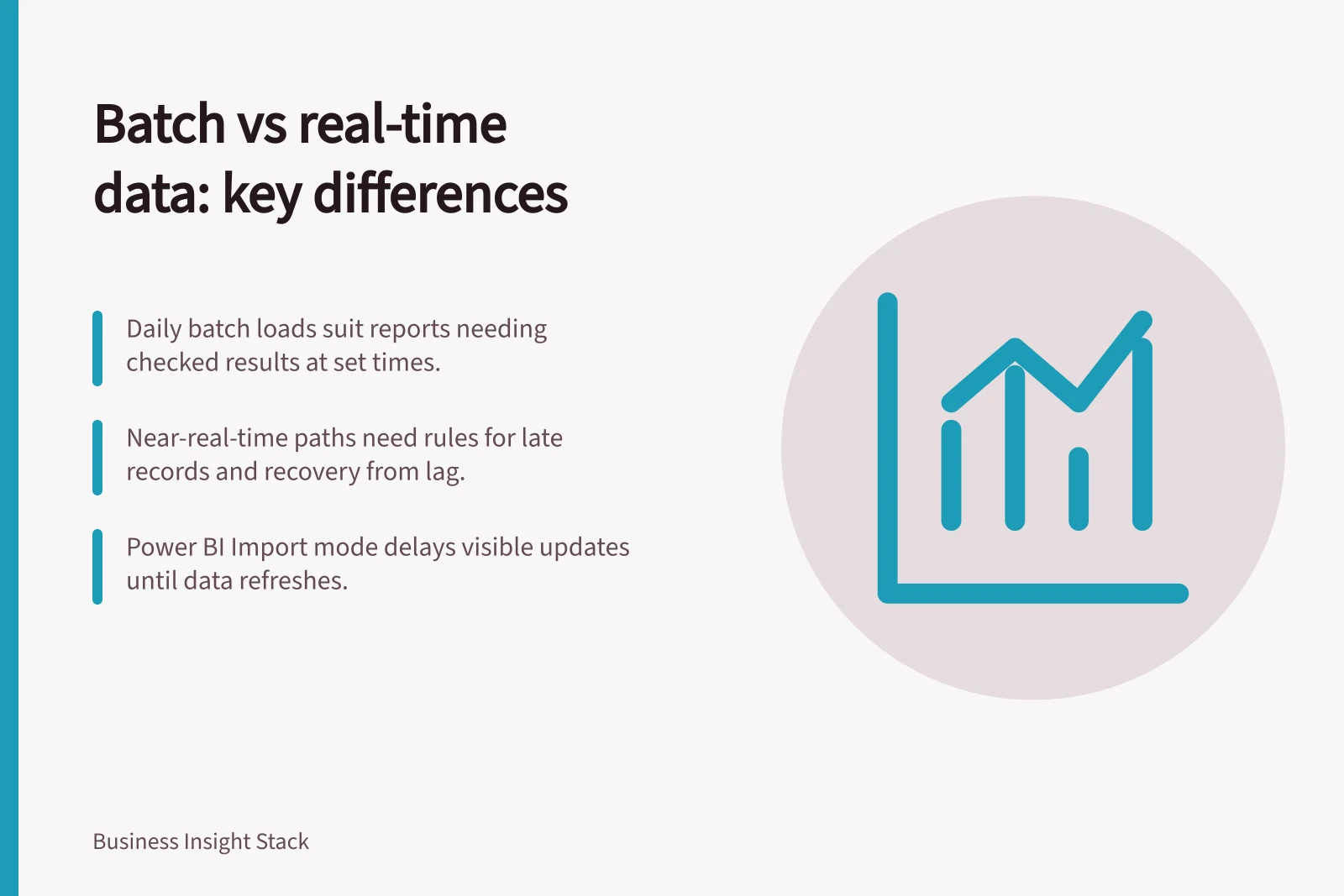
Choose scheduled batch loads when a checked result at known intervals meets the reporting decision. Consider a near-real-time path when a shorter delay would change an action and the team can monitor and recover the additional processing. Compare the age and completeness of the visible report, not just the speed of ingestion.
Compare the whole path
A batch load collects data on a schedule. It can reload a dataset or copy changes since an earlier checkpoint. A near-real-time path commonly reads changes continuously or in short intervals. Change data capture is one possible mechanism where the source and service support it; it can carry updates and deletes as well as inserts.
| Decision point | Scheduled batch | Near-real-time path |
|---|---|---|
| Reader's timing | Serves a known cutoff after a completed run. | May suit decisions that change within the batch interval. |
| Completeness | A bounded period can be checked before release. | Readers need a rule for records still in flight and late corrections. |
| Recovery | A failed interval can be rerun if its boundaries and write rule are known. | A lagging path needs a restart or replay rule that avoids missing or repeated changes. |
| Operating work | Schedules, dependencies and failures need attention. | Lag, unsupported events and downstream processing add monitoring duties. |
These are design trade-offs, not measured speed or cost rankings.
Work backwards from the action
A manager reviewing yesterday's completed cases each morning may be well served by a checked daily load. A supervisor reallocating staff during the day may need a more current queue view. That view still needs to say which sources and statuses it covers.
Write the expectation in business terms: the latest event that should be represented, when the result must be usable, which sources must be complete and what readers see if the expectation is missed. The reporting need should determine the interval.
Check the last mile
Moving a change to analytical storage does not necessarily update the visible result. Preparation may still need to run. In Power BI Import mode, reports query a copied semantic model until its source data is refreshed. DirectQuery queries its underlying source for report interactions, while visual and cache behaviour still needs attention.
A stream metric may cover only part of the journey. Google Cloud Datastream distinguishes delay before it reads a source event from total delay until that event reaches the destination. Its data-freshness metric excludes source events it has not yet read. Neither metric establishes that a downstream BI report is current.
Evaluating Near-Real-Time Pipelines: Benefits and Challenges
- ProsEnables faster decision-making during the day, such as dynamic staffing adjustments or inventory alerts.
- ConsDelayed report visibility even if data arrives early—depends on preparation steps and caching behavior.
- ProsSupports continuous change tracking via mechanisms like Change Data Capture (CDC).
- ConsGoogle Cloud Datastream’s data-freshness metric excludes unprocessed source events, so it doesn’t guarantee report accuracy.
Compare recovery as well as speed
Walk through a changed record, a deletion, a late record and an interrupted run. For each pattern, identify the checkpoint, retry rule, affected reporting period and whether an earlier figure changes. Use representative source changes and the same report definition when assessing options.
Record the latest event visible in the report, missing or repeated records, recovery work and operating effort. Choose a path that meets the decision time while making an incomplete result visible.