Dashboard Design
Self-service analytics
Learn how to give teams room to create reports while maintaining dependable datasets, useful training and proportionate review.
Self-service analytics lets people answer routine business questions without waiting for a specialist to build every report. It works when creators use data they understand, explain their figures and recognise when a report needs review before wider use.
Decide what people may do themselves
Separate three activities: viewing a report, creating a report from an existing dataset, and changing the dataset or its measures. They call for different skills and permissions. Someone who understands a service backlog may be able to design a useful report without maintaining the relationships and security rules beneath it.
Give prospective creators a real question to answer. Can they choose the right period, explain the measure, identify an incomplete source and show how they reached the result? Use the exercise to identify support needs. A job title or tool licence alone says little about readiness.
Microsoft describes a managed self-service approach in which a central team maintains shared semantic models while business teams create reports from them. That is one arrangement, not a requirement for every organisation. A small team may assign both tasks to one person, provided a report intended as an accepted business figure still receives an appropriate review.
Give creators a dependable starting point
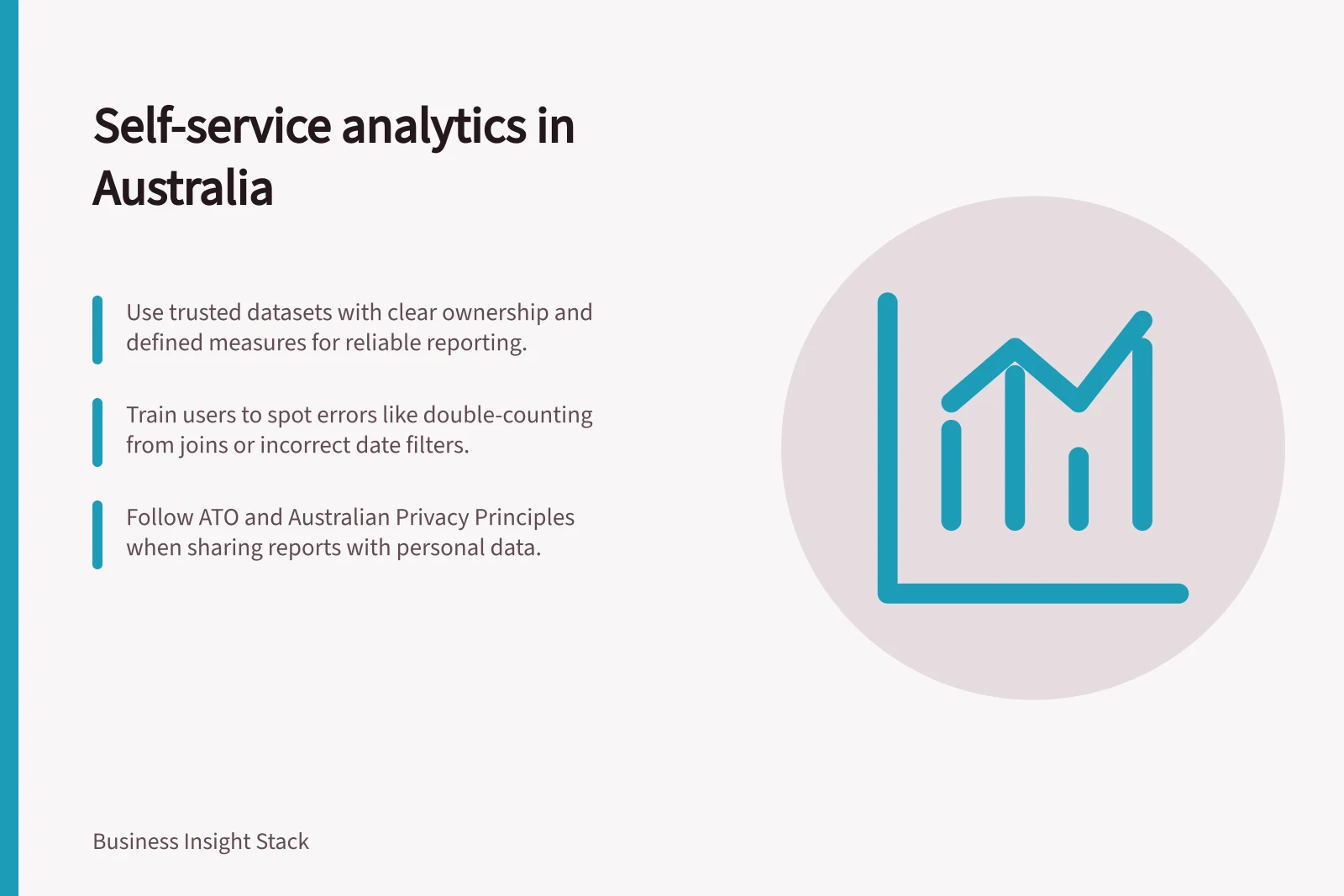
A reusable dataset needs an owner, a stated purpose, defined measures and visible limits. Explain the level represented by its data, the date used for each measure, when it was last updated and which populations are excluded. Use names that business users recognise. Hide or explain fields that are easy to misuse.
In Power BI, endorsement labels content to make quality resources easier to find. Promotion lets an owner or workspace member with write permission identify content they consider worthwhile and ready to share. Certification indicates that content meets organisational quality standards. Only reviewers authorised by the Power BI administrator can certify it, and an administrator must enable and configure certification.
More broadly, decide which datasets the organisation will maintain for reuse.
A shared model need not answer every new question. If a team needs data outside its documented scope, ask the owner whether to extend the model, provide another dataset or keep the work exploratory.
Teach the errors a polished chart can hide
Use the team's measures in training. Show how filters change a population, how a partial period affects a comparison and how a join can repeat a total. Ask creators to write down the question, measure definition and reporting grain, then reproduce an agreed figure before adding charts.
For a simple exercise, join an order table to an order-line table and ask whether summing the order total after the join counts some orders more than once. The answer depends on the rows produced by the join. Have creators check how many joined rows each order produces before summing an order-level total.
Match review to reach and consequence
A private working view and a recurring cross-team report need different scrutiny. Before wider distribution, check the purpose, source, definitions, filters, data currency, access and selected figures against an agreed reference. Include someone who understands the business decision. Record the version reviewed and any remaining limitations.
An exploratory report can remain with its author or immediate team while its assumptions are clear. A report used for recurring decisions, sensitive detail or an official figure needs a named owner and a release decision. Review affected checks again when its source, calculation or audience changes.
If a report contains personal information, include its handling in the distribution decision. The Australian Privacy Principles govern the collection, use and disclosure of personal information for organisations and agencies covered by the Privacy Act 1988. Their principles-based approach allows practices to be tailored to different business models, but a breach can lead to regulatory action and penalties.
Organise ownership through the release
Make ownership visible across the content lifecycle. Microsoft's Power BI guidance identifies Centre of Excellence and BI teams as responsible for overseeing the environment, while creators and content owners manage the lifecycle of what they create. Release managers handle content releases; engineers build and manage the components needed to use and support lifecycle management.
Treat development and validation as linked activities, not a one-off hand-off. Power BI guidance describes successive cycles of developing content, managing changes and validating readiness for deployment. Agree who makes the release decision and who must be involved before content moves to a wider audience, including people who understand its intended use.
Include retirement in the ownership conversation. Content lifecycle management covers work from creation through eventual retirement, so an owner should remain identifiable even when a report is no longer actively developed.
Start with one bounded use case
Choose a question that matters to one team and has a usable source. Name the dataset owner, initial creators and draft audience. Agree on a figure creators should be able to reproduce and the checks needed before sharing. Use misunderstandings in the first drafts to improve the dataset description or training.
In this guide
- Defining which users can build their own reportsSet practical criteria for report creators, distinguish Build from edit and publishing rights, and review access as roles change.
- Providing trusted datasets for non-technical teamsMake reusable datasets understandable with approved measures, visible limits, ownership and a practical first-user check.
- Training report creators to avoid double countingUse an order-and-line exercise to teach reporting grain, join checks and when to refer a calculation to the dataset owner.
- Reviewing self-service reports before wider distributionSet a release trigger, check figures and access, and record a version-specific decision before a self-service report reaches more people.