Reporting Operations
Part of BI adoption and reporting operations
Retiring reports nobody can explain
Investigate an unexplained report's meaning, users and dependencies before documenting, replacing or retiring it.
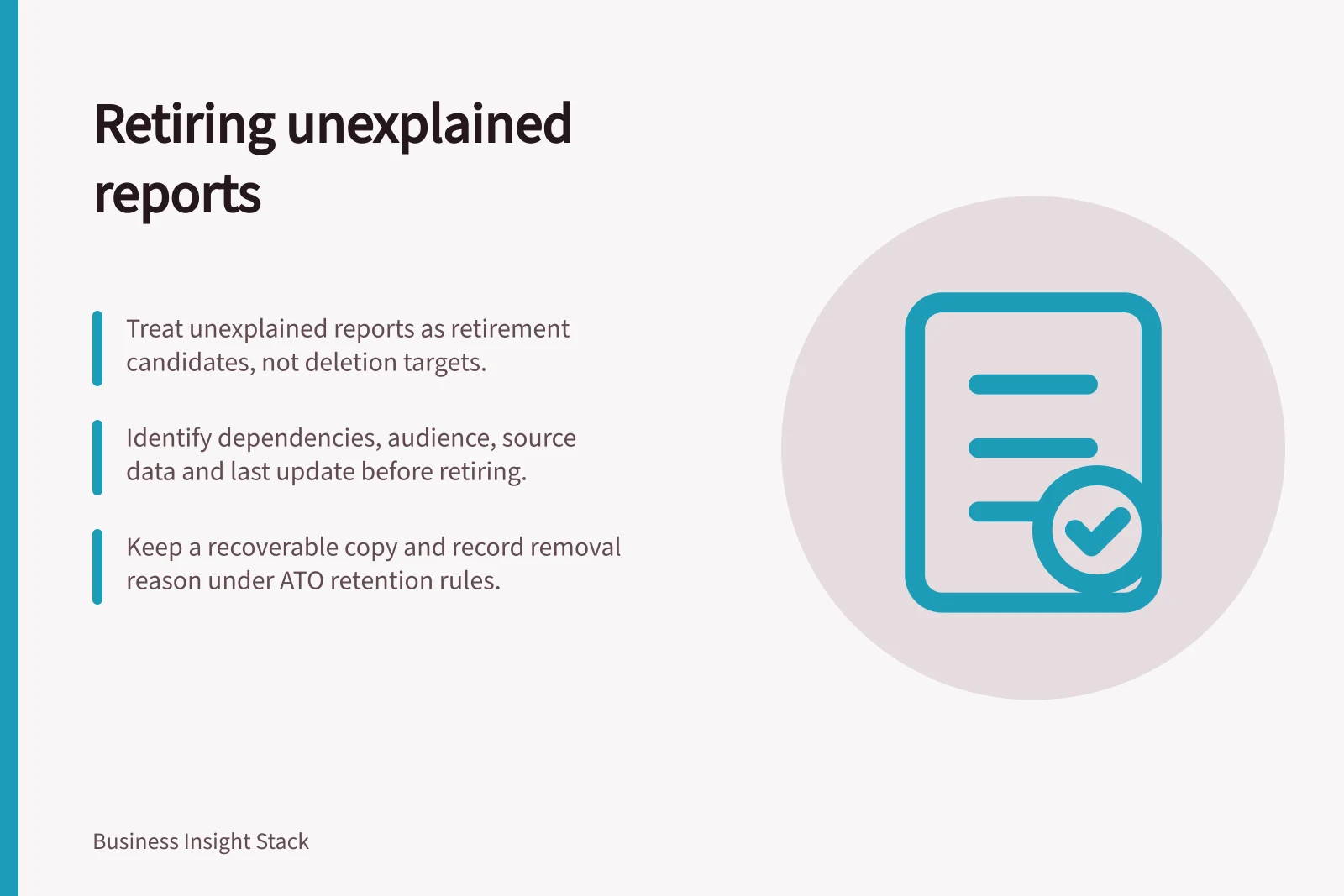
Treat an unexplained report as a retirement candidate, not an instruction to delete it. First find its purpose, consumers and dependencies. If its meaning cannot be established, keep it out of accepted decision reporting until the figures can be explained or replaced. Retire it only after the remaining need and effects of removal are assessed.
Investigate the report
Record its location, known contacts, last update, source dataset, scheduled deliveries and likely audience. Ask readers what they think its figures mean and whether they use it in a meeting, export or process. Compare those accounts with available definitions. Conflicting explanations call for review even when the report receives views.
Usage can narrow the search but cannot settle it. An annual report can look inactive in a short window; a scheduled file may reach people who never open the interactive version. Power BI offers older and newer usage metrics reports, with the newer report currently in preview. Choose an observation period and other enquiries that fit the report's claimed purpose.
Older vs Newer Power BI Usage Metrics Reports
- Report Type
- Older Usage Metrics (Current)
- Report Type
- Newer Modern Usage Metrics (Preview)
- Status
- Available in production
- Status
- Currently in preview
- Best for
- General usage tracking and reporting
- Best for
- Detailed user engagement analysis
Choose the outcome
| Finding | Next step |
|---|---|
| Purpose, meaning and owner are confirmed | Document limits and support; keep the report under review. |
| Purpose remains but figures cannot be explained | Hold it out of accepted decision packs while checking or replacing it. |
| Another maintained report appears to answer the same question | Confirm equivalence before moving readers. |
| No current purpose can be established after consulting likely users | Prepare a retirement decision with dependency and recovery checks. |
A matching title or headline number does not establish an equivalent replacement. Compare population, dates, filters and a fixed reporting period with the relevant business owner.
Key Considerations When Assessing Report Retirement
- Reports with confirmed purpose
- Document limits and support; keep under review
- Reports with unclear figures
- Hold out of decision packs until explained or replaced
- Reports with potential replacements
- Compare population, dates, filters, and reporting period
- Reports with no established purpose
- Prepare retirement with dependency and recovery checks
Check what removal affects
Identify what the report depends on and what depends on it. It may feed an export or appear in a recurring presentation. Its underlying model may serve other reports. Ask the technical owner to check item dependencies and likely users to confirm distribution outside the BI platform.
Record the retirement scope, decision maker, reason and date. Preserve a recoverable copy and necessary definitions under the organisation's retention rules. Keep the archive distinct from current reporting. Tell affected readers which report replaces it, or that the former measure is no longer maintained.
Check after removal
After routine distribution stops, check whether a reader or process has been stranded. If the report must return, confirm its owner, definition, data cutoff and audience before treating it as accepted reporting again. Keep the retirement record so a later request can be assessed against the reason for removal.