Reporting Operations
Part of Self-service analytics
Reviewing self-service reports before wider distribution
Set a release trigger, check figures and access, and record a version-specific decision before a self-service report reaches more people.
Review a self-service report before it becomes a recurring decision input, an official figure or a report for a broader audience. Confirm it answers its stated question, uses suitable data, presents checked figures and reaches the intended people. Record the reviewed version so later changes can be assessed against that decision.
Set the release trigger early
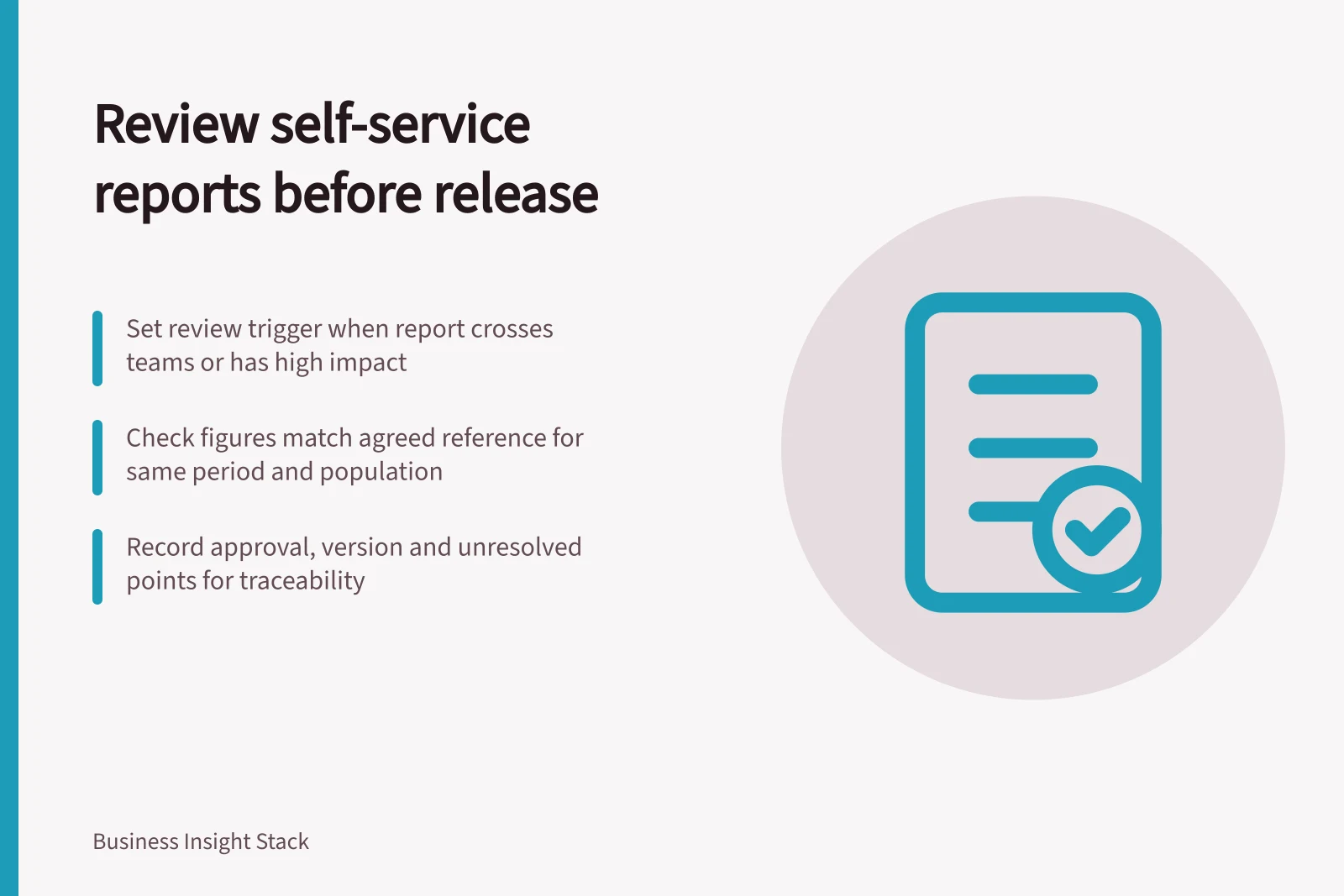
A working report can carry unresolved assumptions if its small audience understands them. Set a review trigger when it becomes a cross-team report, contains sensitive detail or may have significant consequences if wrong. Use the likely impact and audience to set the depth of review.
Where possible, involve a business owner who can confirm the question and definitions and a reviewer who can inspect the data path and access. In a small team, one person may cover both responsibilities; record which checks they performed.
Inspect the report as a reader would
Ask the creator for the report's purpose, intended audience, source dataset, reporting period, measure definitions and known limitations. Check the points that matter to its use:
| Check | What to establish |
|---|---|
| Meaning | Titles, labels and filters match the business question. |
| Figures | Selected values reconcile with an agreed reference for the same period and population. |
| Behaviour | Filters, drill paths and narrow selections do not create misleading results. |
| Currency | The data cutoff or refresh status is clear. |
| Access | Intended viewers can use the report, and restricted detail is not exposed through views or exports. |
| Usability | Readers can understand the result, caveats and essential controls, including accessibility needs. |
Record any difference with its filter state and reference figure so the creator can reproduce it. A matching headline total does not establish that every segment is correct.
Record a decision for the reviewed version
Approve the report for a named audience, return it for revision or allow a limited trial with a visible caveat and owner. Record the decision, report version, approver and unresolved points. If the report depends on a shared model, note that dependency so relevant model changes prompt another review.
Microsoft's Power BI lifecycle guidance describes validation by content creators and users, followed by deployment for consumers.
Reporting lifecycle guidance from Microsoft Power BI
- Validation phase
- Content creators and users validate reports
- Deployment phase
- Reports are deployed for consumption by end users
- Managed self-service BI scenario
- Supports governance in shared environments
Review again when meaning or access changes
A cosmetic edit may need a visual check. A changed source, measure, join, default filter or audience needs the affected checks repeated. Keep the earlier decision and the reason for the new one so owners can tell what was actually reviewed.