Reporting Operations
Part of BI adoption and reporting operations
Scheduling report reviews after organisational changes
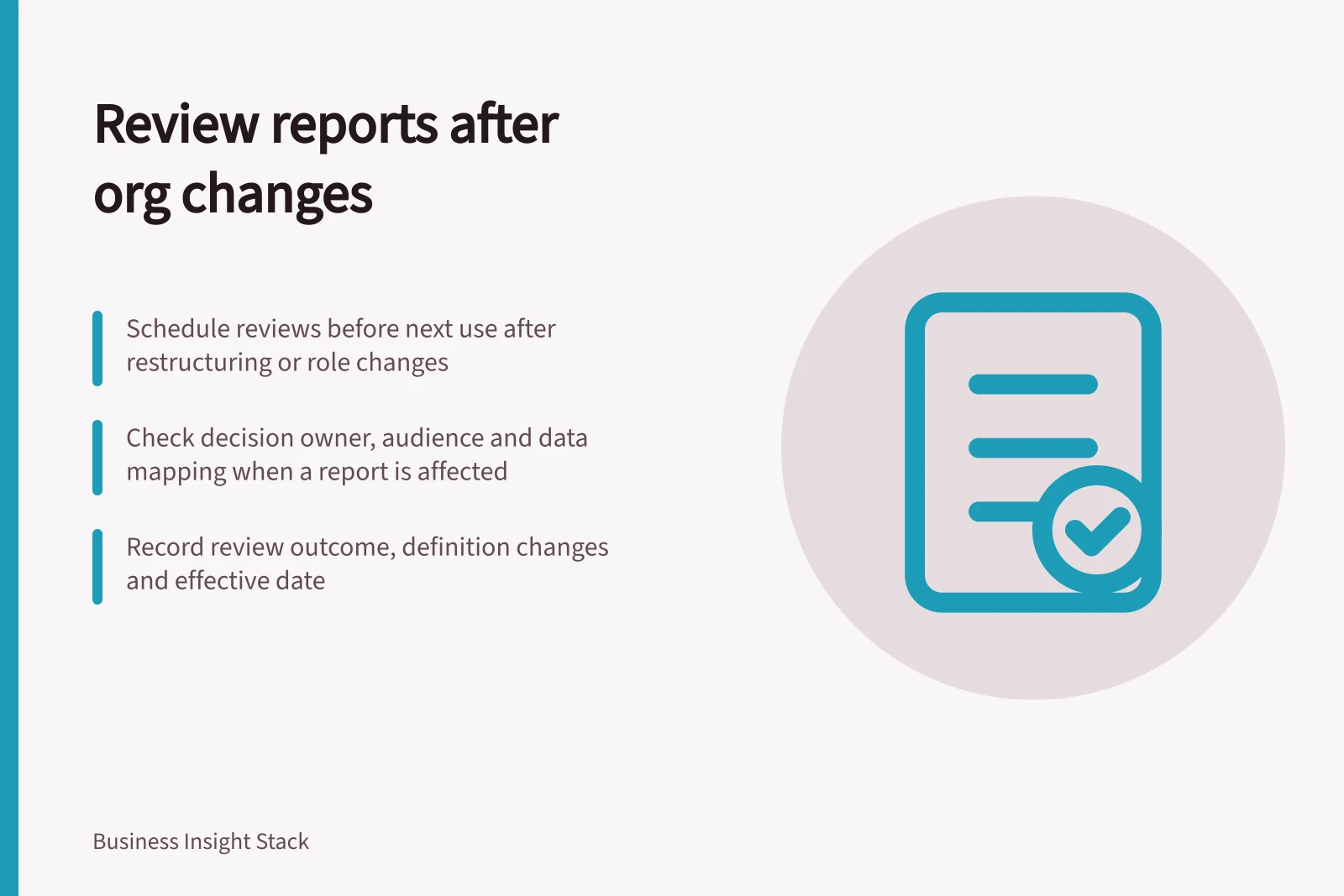
Schedule affected report reviews after restructures, departures and audience changes before the next important use.
Schedule a report review when an organisational change may alter its decision owner, audience or interpretation. When the change is announced, identify affected reports, assign an interim contact, and set each review before its next consequential use. A calendar reminder alone does not establish that a report remains suitable.
Turn the change into a trigger
A restructure may move a service to another team or change who approves a measure. A departure may leave nobody who understands a report's assumptions. A new audience may need a different explanation or level of detail. Identify the change, then list the reports, scheduled outputs and decision meetings it may affect.
Use the report register and ask outgoing and incoming decision owners what they rely on. A platform inventory can reveal reports and technical dependencies, but it may miss spreadsheets or meeting packs made from them. Ask affected teams about those routes.
Set the date by the next use
| Report use | Review timing | Immediate question |
|---|---|---|
| Consequential recurring decision | Before the next decision pack is accepted | Can the new owner confirm the figure and audience? |
| Routine team monitoring | At the next normal review, with an interim contact | Do labels, filters and support routes still fit? |
| Infrequent formal review | Before preparation for its next use | Who now owns its definition and sign-off? |
| No identified current user | During a purpose review | Should it be maintained, reassigned or assessed for retirement? |
These are scheduling principles, not fixed intervals. If a change risks disclosing sensitive detail or presenting a misleading result, check the affected part before further distribution. The detailed access or metric-change decision belongs to its responsible owner.
Review Timing Based on Report Use
- Consequential recurring decision
- Review before next decision pack acceptance
- Routine team monitoring
- At next normal review with interim contact
- Infrequent formal review
- Before preparation for next use
- No identified current user
- During a purpose review (assess retirement)
Check what changed
The incoming business owner should confirm the decision question, population, reporting period and audience. The technical contact should check distribution, refresh and dependent dataset contacts. Together, identify changed team names, organisational mappings, default filters and comparison groups. A changed label may be cosmetic; a changed mapping can alter figures.
For any affected figure, record the report version and a fixed period used for review. If a case or sale now belongs to another team, inspect selected records and totals under the proposed rule before accepting it. State whether earlier periods will be recalculated or retain their former grouping. Record the detailed definition change separately.
Record the review decision
Close with a decision to continue for a named audience, revise before further use, or begin a purpose and retirement review. Note the owner, checks performed, unresolved limits, effective date and next trigger. Tell readers about a changed definition or audience before the revised result enters a decision pack.
For an illustrative team merger, a monthly report might be reviewed before its next pack is issued. The incoming manager would confirm whether the combined total includes both former teams and how earlier months are grouped. This describes a proposed check, not an observed merger.
Reporting Governance Best Practices
- Report reviews triggered by change
- Yes – essential before consequential use
- Interim contacts assigned
- Required for continuity
- Definition changes recorded
- Mandatory for traceability
- Next trigger documented
- Ensures ongoing governance