Metric Definitions
Part of BI access and data governance
Keeping a record of metric definition changes
Record metric versions, effective dates, history treatment and affected reports so changes in BI figures remain explainable.
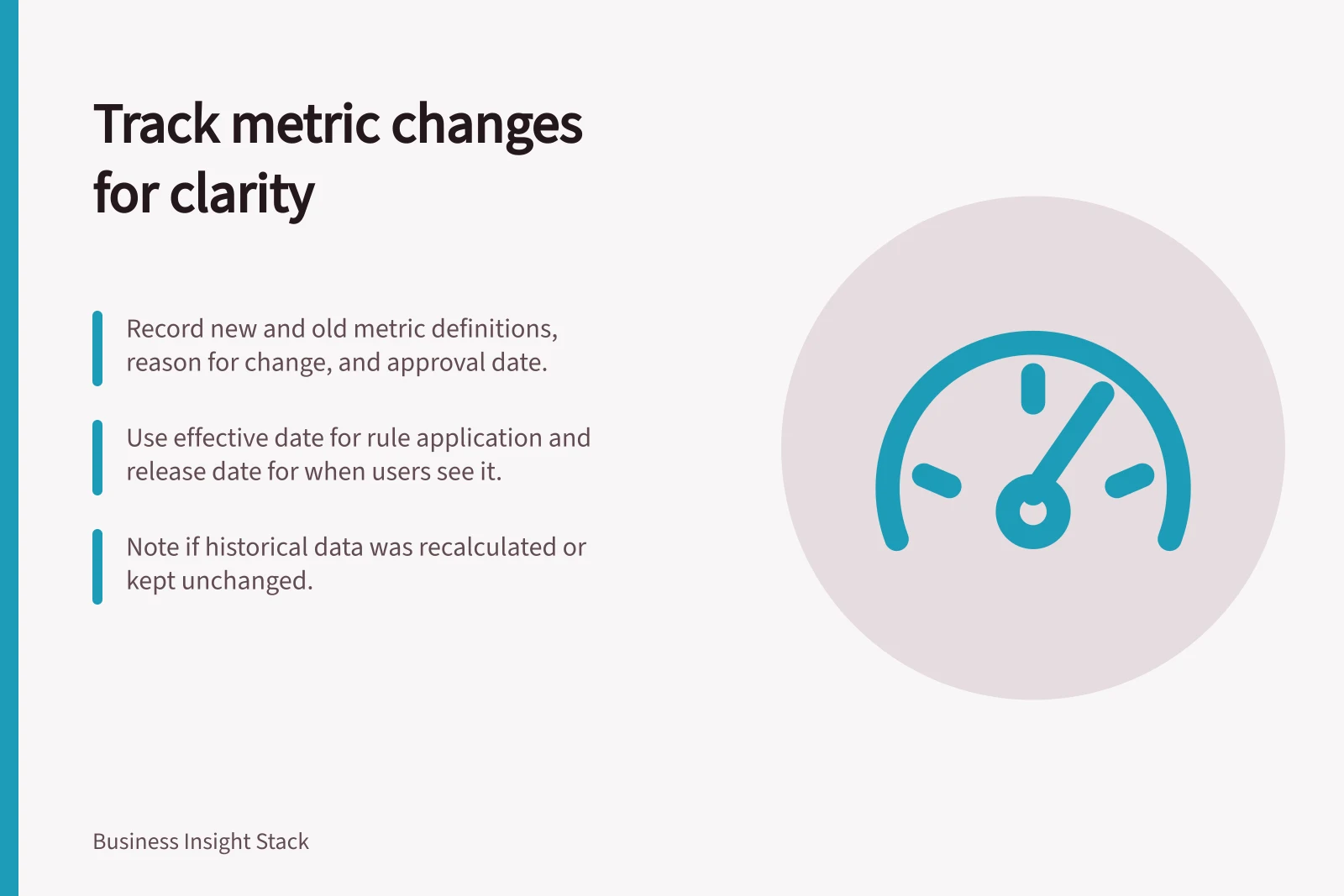
Keep a versioned record when a metric’s population, calculation, reporting period or source changes. It should answer three questions: what the figure meant at the time, when its meaning changed, and whether earlier results were recalculated?
Record the decision, not just the formula
A useful entry has the metric name and identifier, previous and new definitions, reason for change, approving business owner, implementation owner, approval date and effective reporting date. Include source fields, filters, numerator and denominator where relevant. Record the reporting timezone and treatment of incomplete periods if either affects the result.
Keep two dates distinct. The effective date identifies the business periods governed by the new definition; the release date records when reports began displaying it.
A correction applied to earlier periods can make those dates quite different. If historical values remain as originally published, state that too.
Field / Question it answers
- Definition version
- Which rule produced this figure?
- Change and reason
- What meaning or source changed, and why?
- Effective period
- Which business dates use the rule?
- History treatment
- Were earlier periods recalculated or retained?
- Affected outputs
- Which reports or extracts need review?
- Approval and release
- Who accepted the change, and when did users see it?
Show whether a trend is comparable
Suppose a customer metric changes from activity in the previous 90 days to activity in the previous 30 days. A fall at the change point may reflect the narrower rule rather than customer behaviour.
Record whether the entire historical series was recalculated, whether the chart marks a break, or whether both versions remain available during a transition. Do not silently join unlike figures into one trend.
A change can also correct an error rather than alter the concept. If a source mapping omitted a valid segment, record the affected period, correction method and whether previously distributed figures need a notice. Keep enough detail to reproduce the prior figure where retention rules and available data permit.
Before and After Metric Definition: Customer Activity Window
- Impact on Trend
- Potential drop at change point due to narrower window, not actual behaviour
- Historical Recalculation
- Not applied – original values retained
Find affected reports before release
Maintain a list of reports and extracts that use the metric. A semantic model’s lineage or impact view can help locate dependencies. In Power BI, impact analysis identifies potentially affected downstream items; it does not establish that any item has broken or that its figures remain correct.
For each affected output, compare a fixed period under the old and new rules and record the expected difference. If an output must keep the earlier definition, give the versions distinct names. Update user-facing descriptions with the calculation so a correct number does not appear under an obsolete label.
Make the record easy to retrieve
Store the approved entry with the metric catalogue or model release record under a stable identifier. Associate it with the implementation change and affected reports in the organisation’s own system. When someone asks why a number changed, the dated decision and its treatment of history should provide the answer.
Steps to Manage Metric Definition Changes
- Document the change with full metadataInclude definition version, reason, dates, owners, and source details
- Identify affected reports and extracts using lineage toolsUse Power BI’s impact analysis feature to trace dependencies
- Compare fixed-period results under old and new rulesRecord expected differences before release
- Store the record in the metric catalogue or model release logAssign a stable identifier and link to implementation changes
- Update user-facing descriptions and labelsEnsure correct calculation is not mislabelled with obsolete terms