Data Governance
Part of BI access and data governance
Reviewing who can export detailed datasets
Review detailed BI exports by purpose, permission route and effective access, then verify revoked or expired grants.
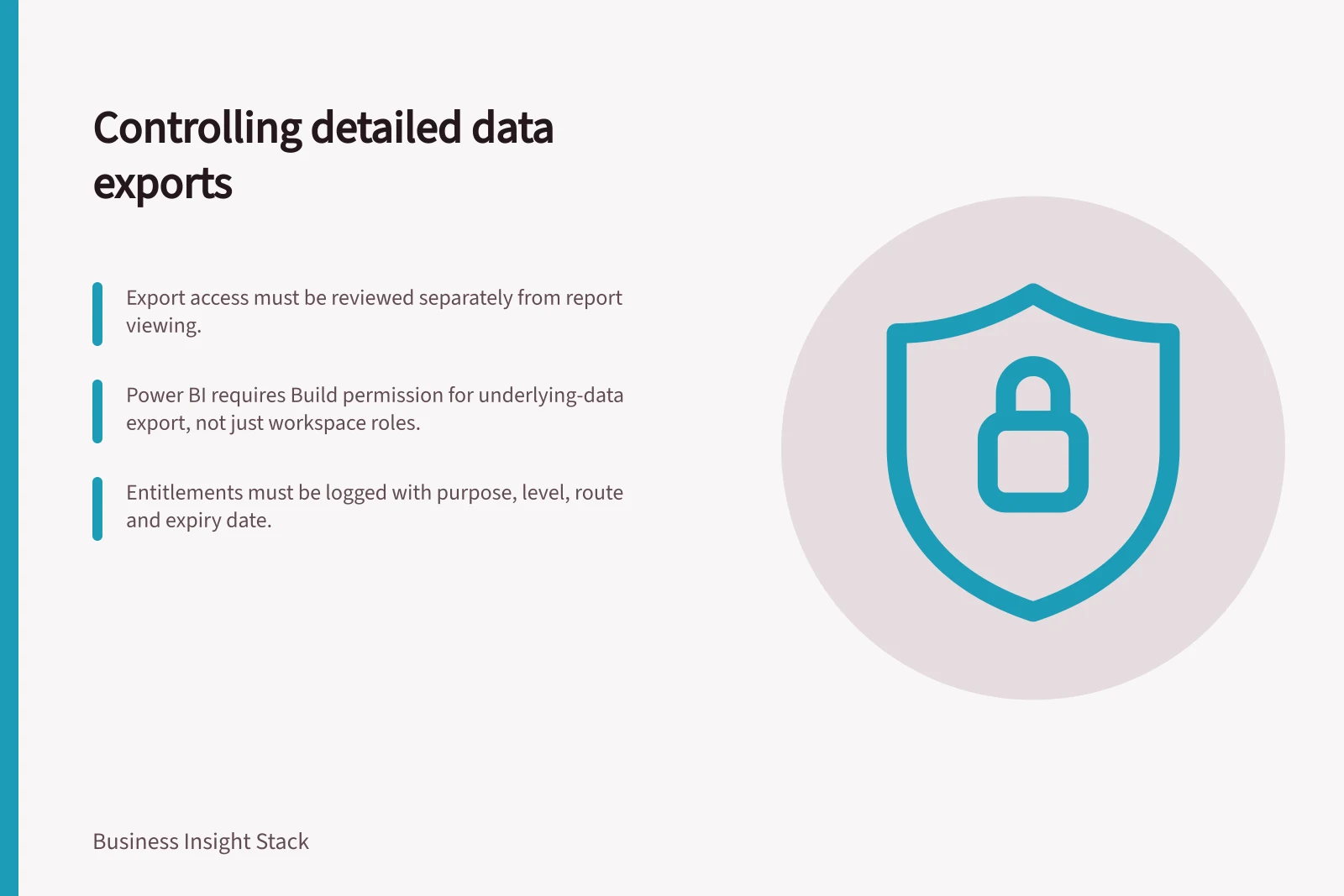
Review detailed-data export separately from report viewing. Identify who can produce a row-level copy, from which dataset, for what task and through which route. Compare effective permissions with the approved audience, then remove grants that no longer serve that task.
Effective permissions vs. approved audience
- Approved Audience
- Regional manager (monthly sales summary), reconciliation analyst (transaction rows for approved period)
- Effective Permissions
- Viewer with Build permission can export underlying data; Admins bypass row-level security
Start with the copy a user can make
A chart may show an aggregate while an export or model connection exposes more detail. Classify each route by what it produces: a summary matching the visual, underlying records, a connected spreadsheet, a downloaded model or a scheduled file. Include direct dataset access and grants through groups or app audiences. Available routes depend on the platform and its configuration.
Ask the business owner to describe the need. A regional manager may need monthly sales totals; a reconciliation analyst may need transaction rows for an approved period. Those uses call for different detail levels and handling rules. If a recurring summary meets the task, it need not carry broad detailed-data access.
Check the Power BI permission layers
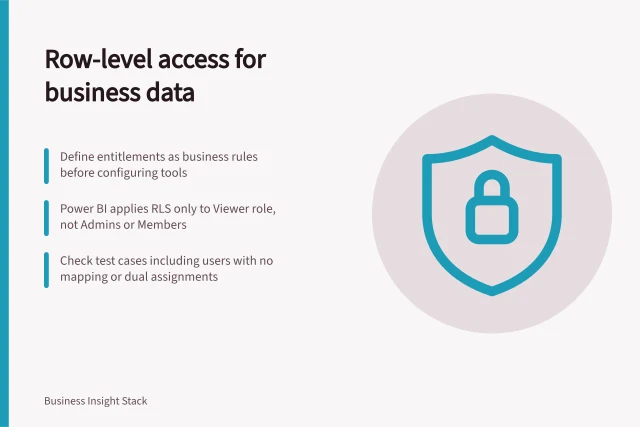
Power BI distinguishes summarised from underlying-data export. A report designer can allow both, allow summarised data only or disable export from that report. Build permission on the semantic model is required for underlying-data export and can be granted through more than one route. A Viewer with Build permission remains subject to Power BI row-level security; workspace Admins, Members and Contributors do not.
Review the combination of permissions and settings. Blocking export from one report does not establish what the same person can do through another report, a model connection or an elevated workspace role. Build permission alone does not prove that a particular report export will succeed: report and administrator settings, visual type and other limitations also matter.
Key Power BI export permission rules
- Report-level export control
- Designer can allow summarised data only, both, or disable export
- Underlying data requires Build permission
- Granted via workspace, groups, or direct assignment
- Row-level security (RLS) applies to Viewers
- Admins, Members, and Contributors are exempt from RLS restrictions
Make the review reproducible
For each sensitive dataset, keep an entitlement register with the person or group, business purpose, approved detail level, grant route, approver, date granted and next review trigger. Compare it with effective permissions, including workspace roles and model access. Record exceptions and give temporary access an end date.
Where verification is appropriate, use representative accounts to check both allowed and forbidden routes. Inspect the resulting file’s columns and row population, not just whether an Export button appears. Include an account with row-level restrictions, one with Build permission and one with an elevated workspace role. Use data and an environment authorised for that check.
Revoke and recheck
When someone changes role or an approval expires, remove the underlying grants and verify the effective result. Check each grant route separately, including app permissions and semantic model Build permissions. Keep the decision and any unresolved exception so a future reviewer can tell why detailed export was allowed and whether it is still needed.