
Metric Definitions
Part of Business metric definitions
Documenting numerator and denominator for a business KPI
Define both sides of a KPI ratio, align their population and period, and record how the rate behaves under filters and missing data.
Document a ratio KPI by defining its numerator, denominator and division rule separately. Specify the qualifying records, shared period and grouping, and what appears when the denominator is zero or unavailable. “Completed cases ÷ all cases” leaves too much to guess.
Define the question before the fraction
A team might ask, “What share of cases received this month has been completed?” Another question is, “What share of cases closed this month was completed successfully?” They use different populations and can place the same case in different months.
For the first question, an illustrative definition is:
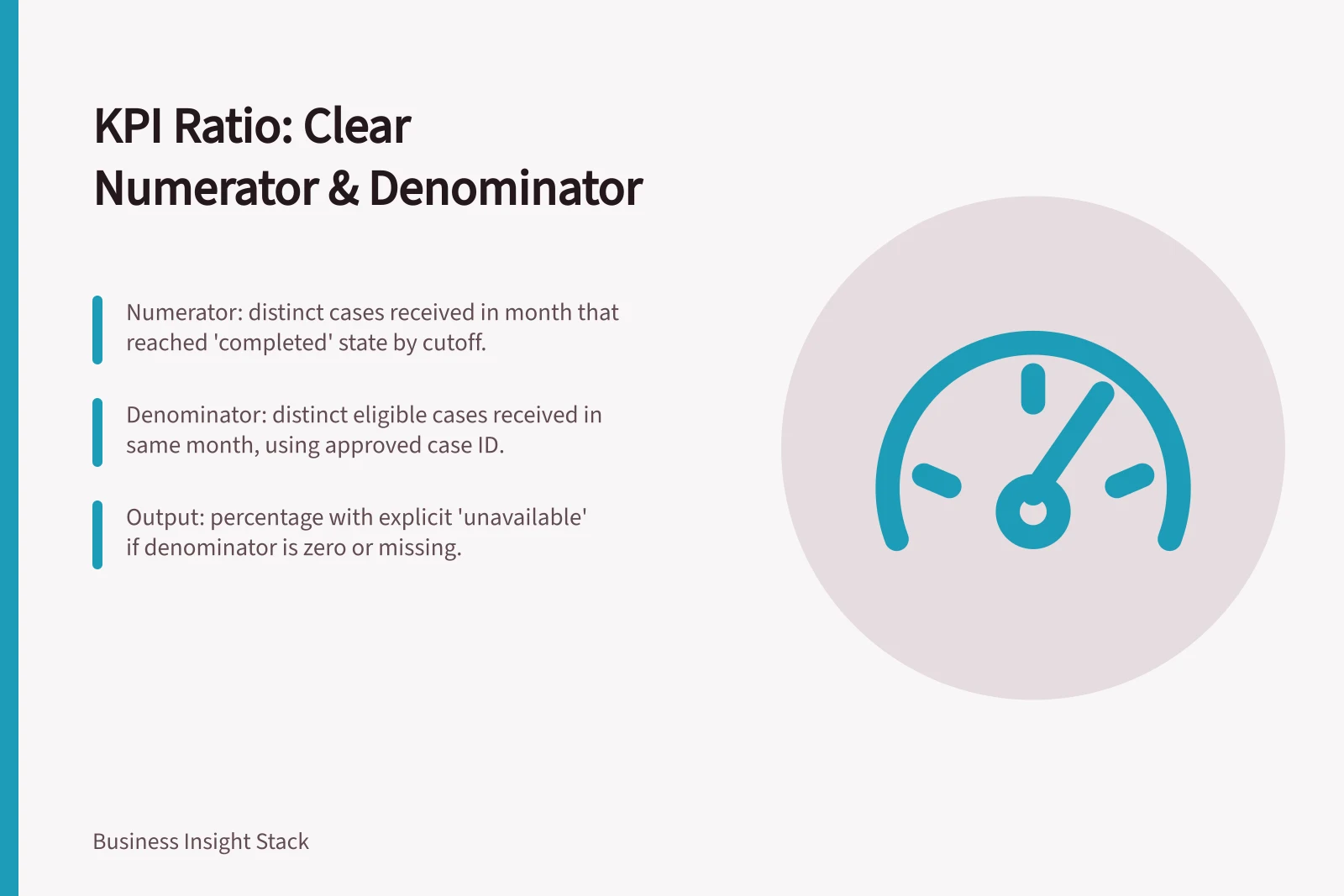
Numerator: distinct eligible cases received in the reporting month that reached the approved completed state by a stated observation cutoff.
Denominator: distinct eligible cases received in that month.
KPI: numerator divided by denominator, displayed as a percentage when the denominator is greater than zero.
The owner must still define eligible cases, reopened cases, the completed state and the observation cutoff. A recent cohort may have had less time to complete than an older one, so comparisons need a consistent observation window or a clear qualification.
Two Different KPI Questions: Impact on Numerator and Denominator
- Question 1: Share of cases received this month that were completed?Numerator: Completed cases received in reporting month Denominator: All cases received in reporting month
- Question 2: Share of cases closed this month that were completed successfully?Numerator: Successfully completed cases closed in reporting month Denominator: All cases closed in reporting month
Align the two components
If the KPI concerns cases, both components should use the approved case identifier. A status-history table may contain several rows for one case; counting its rows answers a different question. Under this example's definition, every case in the numerator must also qualify for the denominator.
Record filters beside the component they affect. Test records excluded from the denominator should not reappear in the numerator. Specify the date field, timezone, window boundaries, source cutoff and treatment of status reversals. If a filter narrows a displayed group, decide whether it should narrow both components.
A compact KPI card can record:
Field / Entry to approve
- Business question
- Decision the rate informs
- Numerator
- Qualifying state or event, distinct key and exclusions
- Denominator
- Eligible population, distinct key and exclusions
- Time basis
- Cohort or event date, timezone, cutoff and observation window
- Output
- Percentage precision and treatment of zero or missing denominator
- Breakdown
- Groupings and filters that preserve the intended population
- Owner
- Person approving the rule and later changes
Key Elements to Document for a KPI Ratio
- Business questionDecision the rate informs
- NumeratorQualifying state or event, distinct key and exclusions
- DenominatorEligible population, distinct key and exclusions
- Time basisCohort or event date, timezone, cutoff and observation window
- OutputPercentage precision and treatment of zero or missing denominator
- BreakdownGroupings and filters that preserve the intended population
- OwnerPerson approving the rule and later changes
Combine groups using their components
To report a combined rate, add eligible numerators and denominators, then divide. In a hypothetical example, one group completes 9 of 10 eligible cases and another completes 1 of 90.
Together they complete 10 of 100, giving a 10% rate. A simple average of the two group percentages would give equal weight to groups of different sizes.
Power BI measures can return different results under different report filters. State which filters may narrow this KPI's components and which, if any, its approved calculation should ignore. The same question matters in any reporting setup where a ratio is recalculated for a selected segment.
Review the counts behind the percentage
For a cohort whose observation window has ended, inspect cases near the eligibility and date boundaries. Show numerator and denominator counts beside the percentage during review. If the denominator is zero, show an explicit unavailable state rather than 0%. Treat a failed source load as missing data, not a genuine zero.
Keep the component definitions with the displayed KPI. A later report author should be able to explain which cases could make the rate rise or fall and reproduce it for an approved grouping.
Steps to Review a KPI’s Counts Behind the Percentage
- Inspect cases near eligibility and date boundariesFor cohorts with ended observation windows
- Display numerator and denominator counts beside percentageDuring review phase
- Treat failed source load as missing dataNot a genuine zero
- Keep component definitions with the displayed KPIFor reproducibility and auditability


