Data Governance
Data quality checks
Data quality checks turn a vague concern about “bad data” into a small set of assertions that a reporting team can run and act on.
Data quality checks turn a vague concern about “bad data” into a small set of assertions. A reporting team can run and act on them.
Start with the decisions a metric supports. Then ask what must be true of the records beneath it: a transaction should have an identifier, an order should map to an approved status, and the same business event should not be counted twice. A dashboard can look polished while these conditions fail.
Define the grain before writing a test
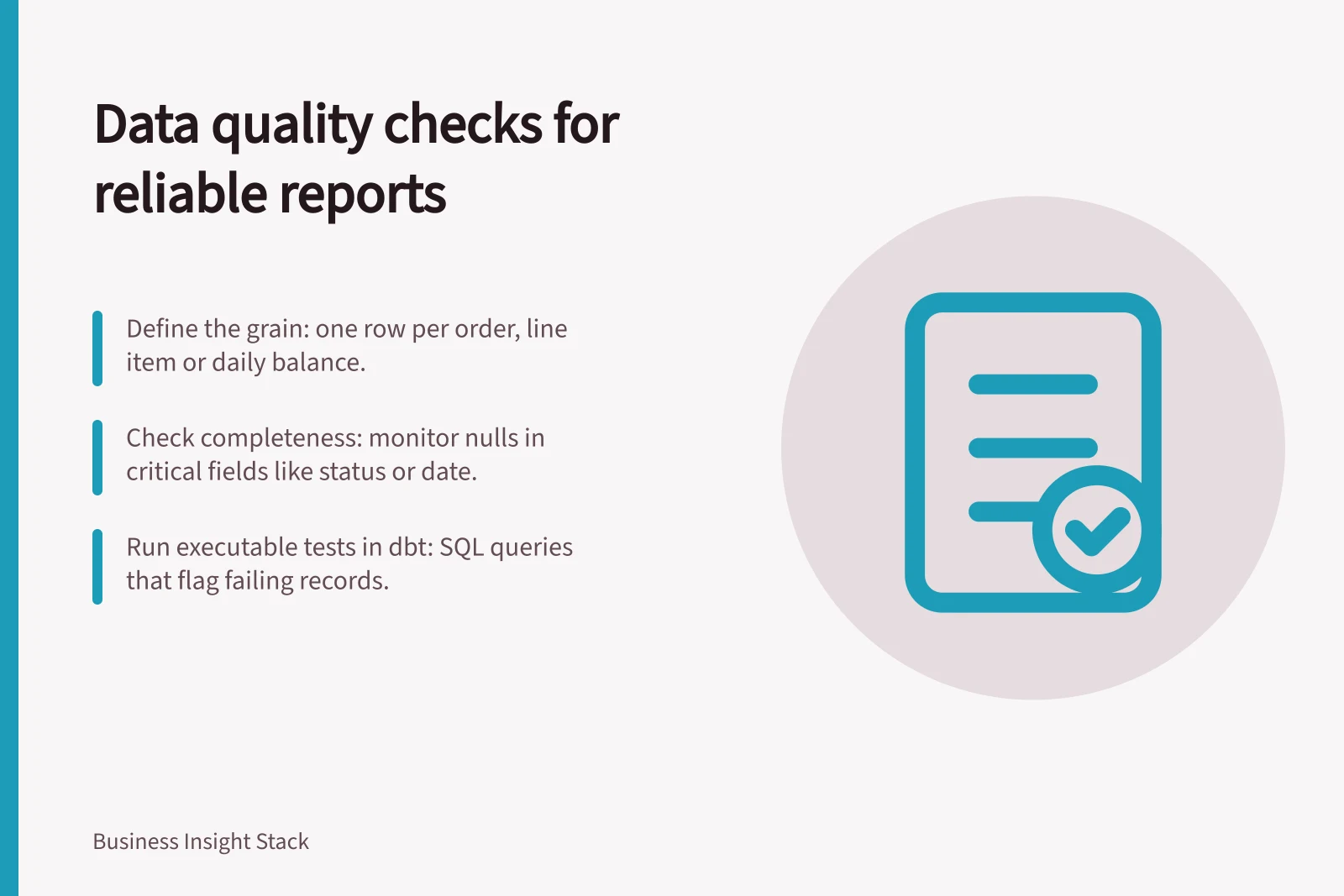
The grain is what one row represents. One row per order, per order line and per daily account balance require different uniqueness checks. A repeated order ID in a line-item table may be correct; the same ID twice in an order header table may not be.
Write the grain beside every critical dataset and identify its expected key or combination of fields. Also record the date range, timezone and lifecycle state used by a report. Those details make a failed check interpretable.
Separate technical keys from real-world entities. Detect duplicate business records before aggregation.
Check completeness where absence changes meaning
Completeness rules matter where a blank changes the meaning of a record. Monitor unexpected nulls in critical fields.
Check valid ranges and accepted values as well. A date after a reporting cut-off, an unrecognised currency code, or a status outside the agreed set can alter a KPI even when every field is populated. When the rule has legitimate exceptions, write those exceptions into the check rather than hiding them in manual cleanup.
Make comparisons interpretable
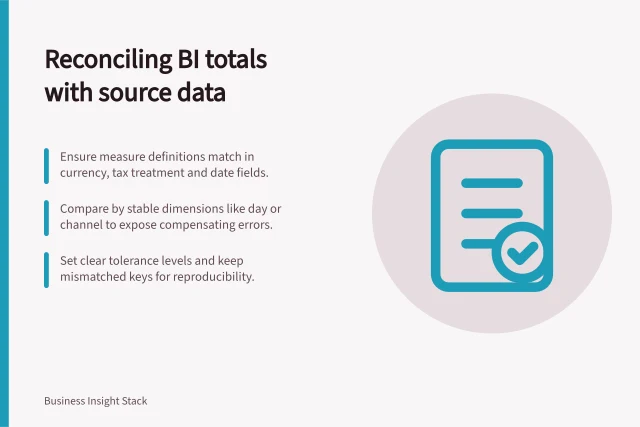
When comparing results, align the grain, reporting period and filters first. Then compare totals between a source and its BI model.
Give failed checks a response path
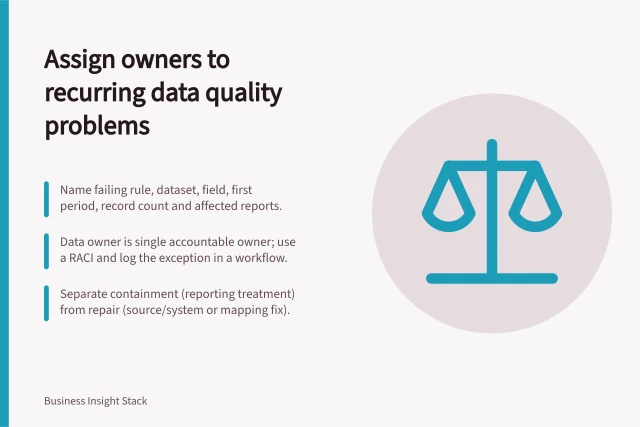
For a failed check, capture the affected records. Assess the impact on the report, then decide whether to pause its release or publish with a caveat. Assign owners to recurring data quality problems.
A practical first set
For one important dashboard, document the row grain and choose a few assertions: key uniqueness, required-field completeness, valid status values, relationship integrity and one source-to-model reconciliation.
Run them against a known reporting period, inspect exceptions with the data owner, and agree what should stop a release. Expand only after the team can respond to the first failures.
Express checks as executable tests
In dbt, data tests are SQL queries that return records disproving an assertion. A test passes when it returns no failing rows, so its output can also show which records need investigation.
A singular test is a saved SQL query for one specific rule. A generic test is parameterised and reusable, which suits the same kind of assertion applied to multiple models or columns.
dbt’s built-in tests include checks that values belong to a specified list and that a value in one model has a corresponding value in another. You can also write a SQL query for business rules specific to your organisation.
Apply tests across project resources
Generic dbt tests can be defined on models, columns, sources, snapshots and seeds. Applying tests at the appropriate point helps check both inputs and the results produced by transformations.
Reusable tests make it practical to apply consistent assertions in different parts of a project. Running them when code changes can help catch regressions before changed outputs are used downstream.
Account for reporting refresh behaviour
In Power BI, refreshing data can involve querying the underlying sources, loading data into a semantic model and updating reports or dashboards that rely on that model. A test result is meaningful for a report only when you know which data the model is currently using.
Import mode models require a source data refresh because they import data. DirectQuery, Direct Lake and live connection models do not import data in the same way; they query the underlying source or connect to Analysis Services. Check the model’s storage mode when deciding whether a source refresh is needed to make a comparison current.
Reporting refresh modes in Power BI and their impact on data quality checks
- Import modeRequires a source data refresh to ensure model reflects current data; tests must be run after refresh
- DirectQuery / Direct Lake / Live connectionQueries source directly at runtime; no import step; data quality checks should validate source consistency, not model state
In this guide
- Detecting duplicate business records before aggregationDuplicate records can inflate a sum without looking obviously wrong in a chart.
- Monitoring unexpected null values in critical fieldsA null value means a field has no recorded value; it does not always mean a process failed.
- Checking totals between a source and its BI modelWhen a report total differs from its source, comparing two numbers is only the beginning.
- Assigning owners to recurring data quality problemsA data quality alert can identify a fault and still achieve little if no one owns the next step.