Reporting Operations
Part of Financial performance analysis in BI
Tracing revenue discrepancies through BI data transformations
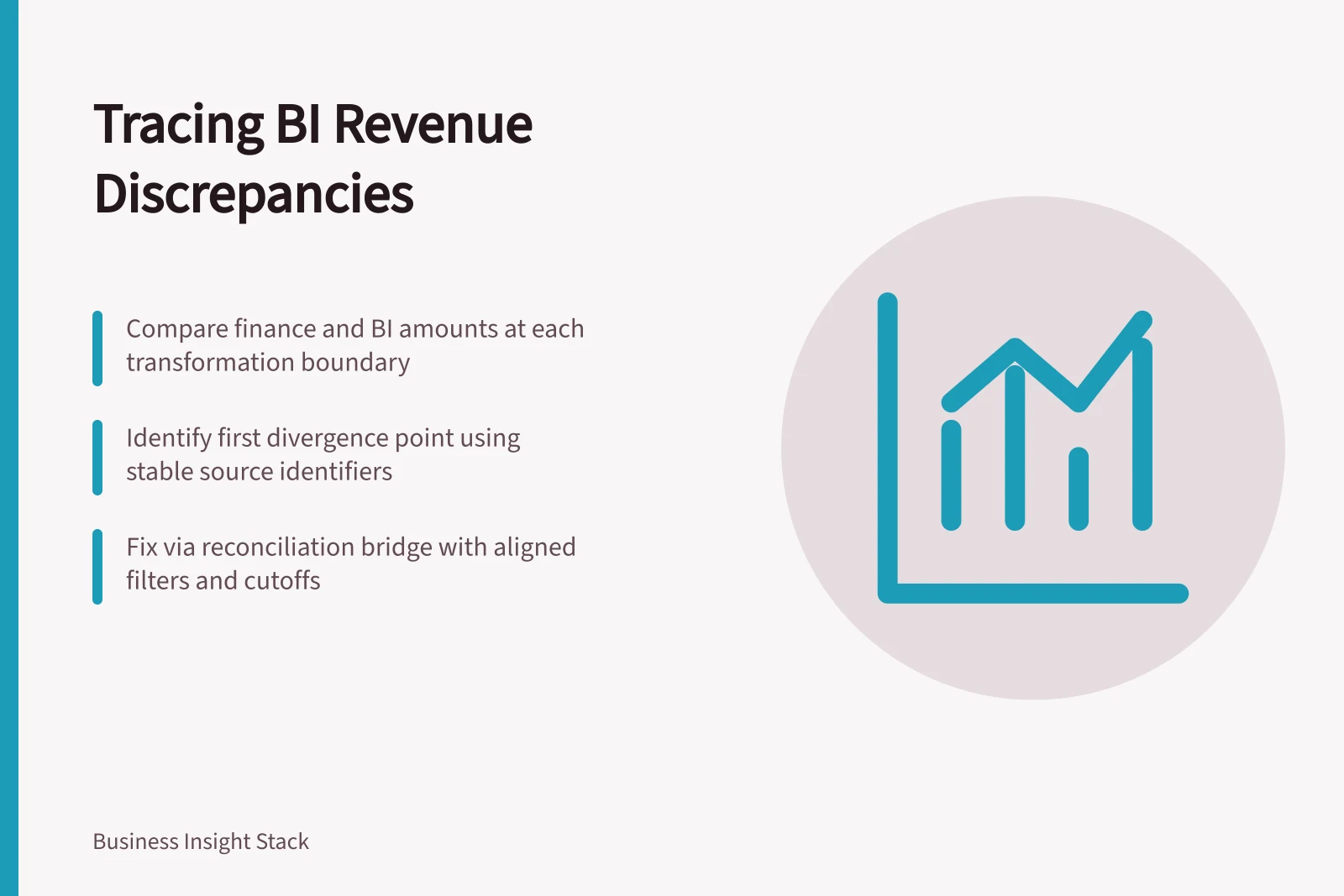
Find where a BI revenue difference begins by comparing an approved finance amount and contributing records at each transformation boundary.
Where BI revenue differs from an approved finance figure, compare the same amount and contributing records at each transformation boundary. Locate the first boundary where they diverge. A source-to-dashboard difference alone cannot identify whether extraction, mapping, a join, conversion, refresh or a report filter caused it.
Fix the comparison basis
Record the approved reference amount, accounting period, close version, entities, revenue accounts, adjustments, currency and precision. Capture the BI filters and last included source cutoff. If finance includes a late journal that BI has not received, align the snapshots before investigating the transformation rules.
For contracts within AASB 15, revenue is recognised when or as a performance obligation is satisfied. Order value, invoices and receipts may therefore be unsuitable substitutes for recognised revenue. Finance should identify the ledger or approved extract that represents the comparison figure.
Follow the amount through the path
Build a temporary reconciliation bridge at a level where records remain traceable. Retain stable source identifiers, original amount, currency, date, status and load or transformation version. At each boundary, compare totals and contributing keys.
| Boundary | Question | Evidence |
|---|---|---|
| Finance source to extract | Were the same accounts, entities and close adjustments selected? | Extract rule, cutoff and excluded keys |
| Extract to prepared data | Did a rule alter sign, date, amount or eligibility? | Rule and before-and-after records |
| Prepared data to model | Did a join repeat lines or leave them unmatched? | Key counts, match results and measure grain |
| Model to report | Did refresh timing, a relationship or a filter change the population? | Model update and saved filter state |
Totals alone can hide offsetting errors. Split a difference by period, account or source system, then inspect identifiers in the first mismatching group. If the reference and BI measures intentionally use different definitions, document that difference before attempting a record bridge.
Key Boundaries in BI Revenue Transformation Path
- Boundary: Finance source to extractWere same accounts, entities, and close adjustments selected? Check extract rule, cutoff, and excluded keys.
- Boundary: Extract to prepared dataDid a rule alter sign, date, amount, or eligibility? Review rule and before-and-after records.
- Boundary: Prepared data to modelDid a join repeat lines or leave them unmatched? Analyse key counts, match results, and measure grain.
- Boundary: Model to reportDid refresh timing, relationship, or filter change population? Check model update and saved filter state.
Identify the responsible rule
Work from the first unequal boundary. A filter may exclude a status finance includes; a header-to-lines join may repeat a header amount; a date rule may move an entry into another month; or a currency step may use another rate basis. A credible explanation names the affected keys and the rule that changed their contribution.
In Power BI, lineage view can show relationships among workspace artefacts and external dependencies, with the last refresh time for semantic models and dataflows. Access to that view depends on workspace permissions. It maps artefacts, not transaction-level causes.
Where Power Query is used, selecting an Applied Step shows that step's result; the business effect still needs checking against records.
Record the resolution
Record the first failing boundary, affected amount and keys, cause, owner and correction. After a change, compare the fixed-period total and selected breakdowns again. If finance and BI intentionally differ, label the BI measure distinctly and document the bridge; an unexplained filter is not a reconciliation.
Retain the reference extract, transformation version, model update and report filter state for recurring reviews. Together they show whether a later difference arose from new activity, a corrected source or a changed rule.