Reporting Operations
Part of BI system performance and cost control
Monitoring unused BI licences and scheduled jobs
Compare BI entitlements and scheduled jobs with actual tasks, telemetry coverage and dependencies before changing access or schedules.
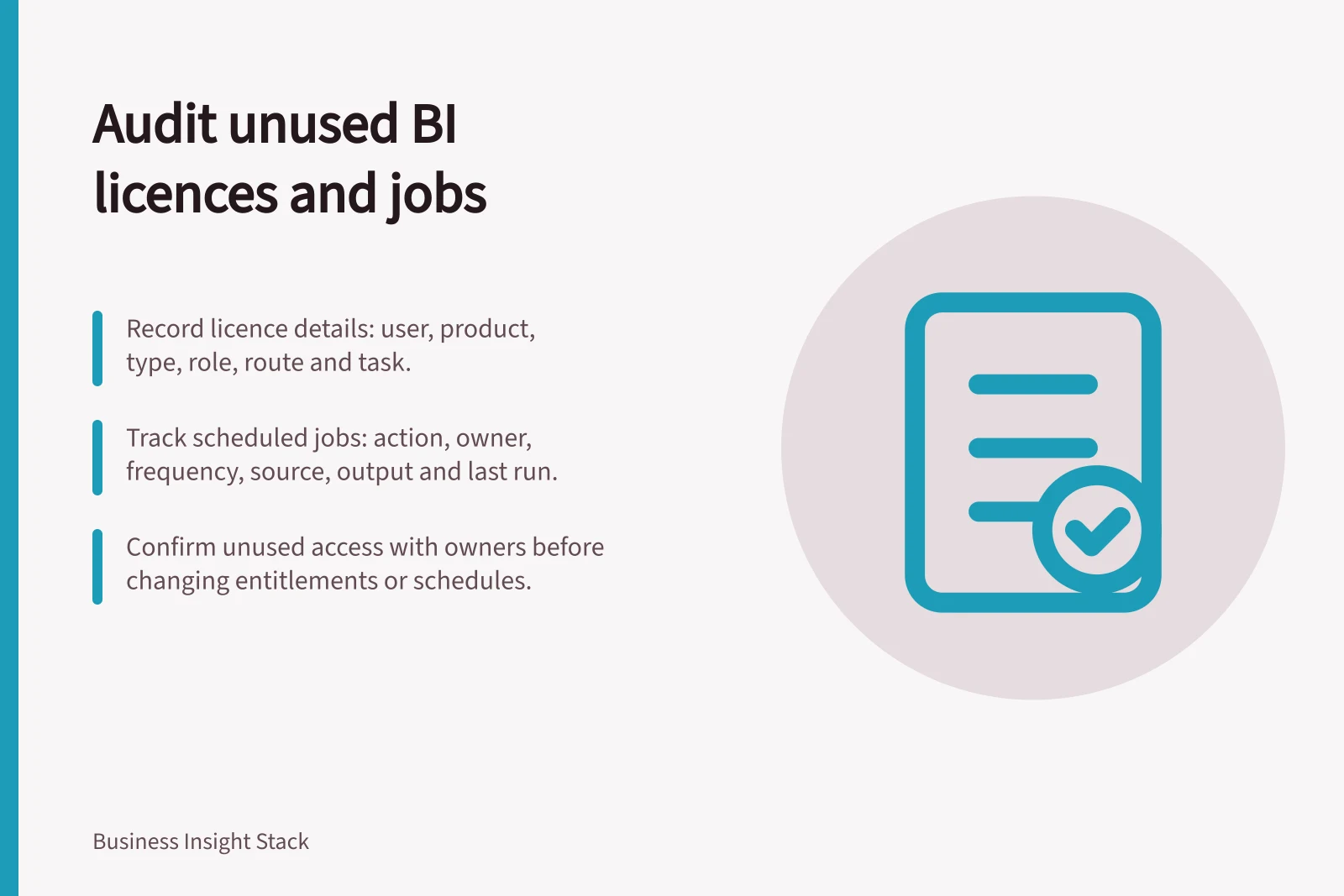
Review assigned BI licences and scheduled jobs whenever a reporting need changes. Compare entitlements and recurring work with observed use, then confirm each apparent gap with the owner before changing access or schedules. A usage chart alone cannot prove that a person or job is unnecessary.
Build two inventories
For licences, record the person or service identity, product, licence type, role, granting route and approved task.
For jobs, record the scheduled action, owner, frequency, source, output, recipients or dependent reports, last successful run and required data cutoff. Include refreshes, extracts and deliveries outside the interactive BI interface.
Match each job to its consumers. A model refresh may serve several reports; a scheduled file may reach someone who never opens the interactive report. A person with a paid authoring licence may now only view content, but the review must establish what they actually do and which permissions that task requires.
Interpret activity carefully
Power BI usage metrics help show how dashboards and reports are used, including who uses them and for what purpose. They track SharePoint Online embedded views but omit some other embedding routes, including the documented user-owns-credentials and app-owns-credentials flows. Usage metrics therefore do not show every route of use.
A report used on an annual cycle may not appear active in the period you review. Check the normal cycle and delivery routes before calling an entitlement unused.
Power BI licence needs depend on activity and where content is hosted. Free, Pro and Premium Per User access have different sharing conditions; eligible capacity can also affect what a free viewer may consume. Check the person's authoring, workspace and viewing tasks before changing their licence. Confirm the organisation's purchase terms before claiming a saving from a changed assignment.
For scheduled refresh on applicable Power BI Premium capacities, the administrator's Refresh summary shows recent history and scheduled overlap. It does not inventory every reporting job. Check other schedulers and warehouse tasks separately when they are part of the delivery path.
Power BI Licence Types and Usage Conditions
- Free LicenceView content only; limited sharing; no authoring; may access via embedded reports in SharePoint Online
- Pro LicenceCreate, share and publish reports; collaborate in workspaces; can schedule refreshes on Premium capacity
- Premium Per User (PPU)Full authoring, shared content, scheduled refreshes on Premium capacity, and access to advanced features like paginated reports
Key Metrics for Monitoring BI Usage and Jobs
- Usage metric coverageTracks SharePoint Online embedded views but excludes user-owns-credentials and app-owns-credentials flows
- Refresh summary availabilityAdmin view shows recent history and scheduled overlap on Power BI Premium capacities
- Data warehouse task visibilitySnowflake query performance monitoring requires separate review outside Power BI
Decide what to keep, change or pause
| Finding | Candidate action | Check first |
|---|---|---|
| Paid entitlement without observed use | Confirm the task with the user and manager | Authoring, shared content and activity outside the metric’s coverage |
| Frequent job for a weekly decision | Consider fewer runs | Required cutoff and dependent outputs |
| Job without an identified consumer | Investigate its purpose | Exports, subscriptions and recovery use |
| Duplicate deliveries | Consolidate one route | Recipient needs, filters and access |
Record the decision, owner, affected people and date. For a job considered for retirement, use a recoverable pause and watch for affected outputs.
After changing a licence, check that the person can still complete the approved task and that unwanted elevated access has been removed. Repeat the review after team changes, report retirement or a new dataset dependency.